February 12, 2024, 9:55 am
 v0.9
v0.9
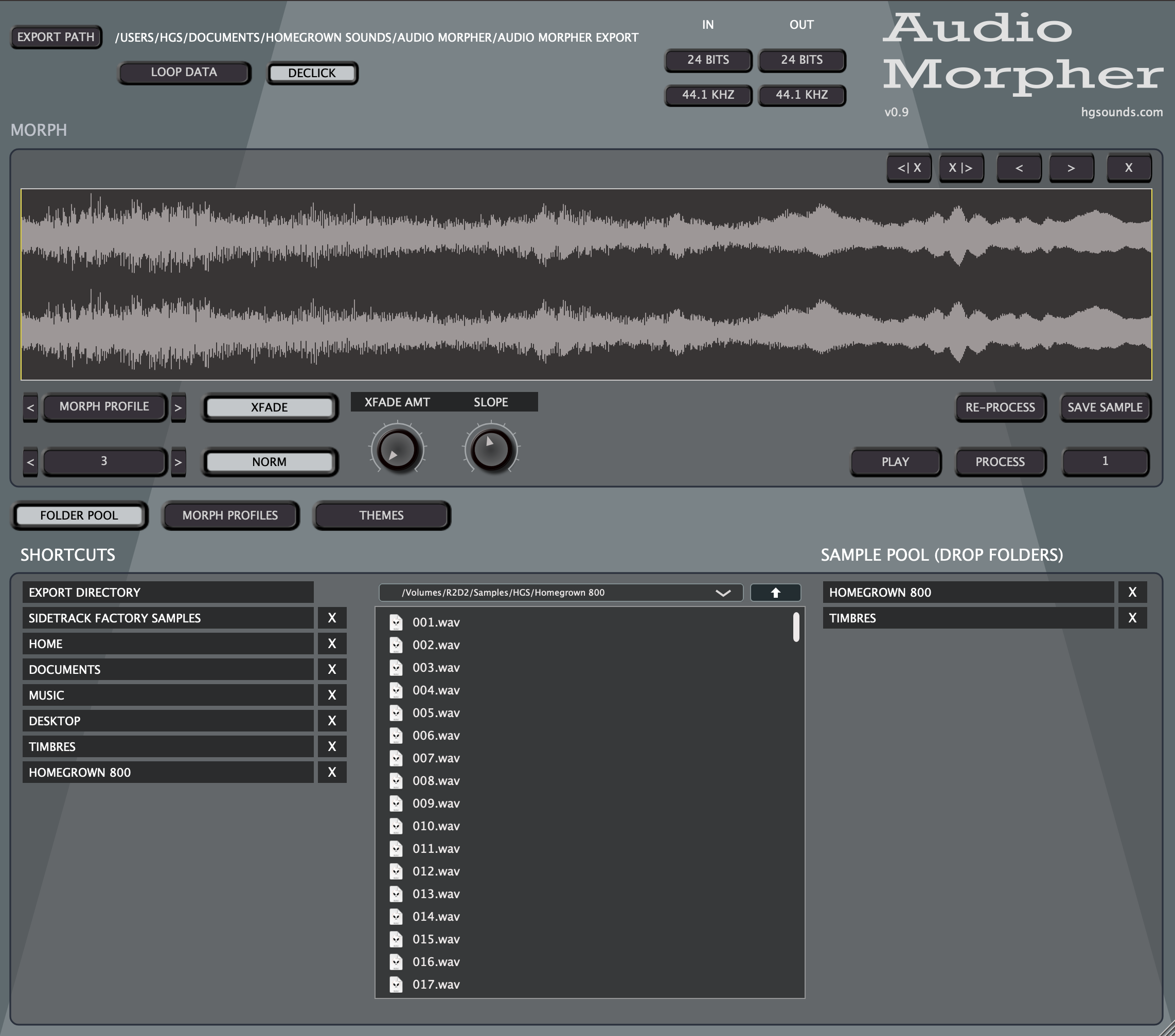
- New Modes Menu – along with some new Modes.
- Morph Modes – Now uses up to 8 envelopes, with selectable number used and random mode which also shuffles the layer indexes to use a random envelope. The old system of individual xml files has been scrapped in favour of a single xml file with multiple profiles. Editing xml is no longer necessary as there is now has a front end Profile manager.
- Morph Profiles – New section which allows creating/selecting Profiles with 8 Envelopes using an easy to use on screen envelope editor.
- Chain Modes – Chain Mode takes a percentage of material from the centre of each input WAV. It then applies a Fade in/Out to the sound with adjustable Mid Point. These are then mixed together in a chain with each starting in the centre of the last added. There are Fixed & Variable size modes.
- Cycles Modes – This pulls out random cycles of a specific size, ie; 1024 samples, smooths the edges and then repeats them to make solid tones. These are the mixed together in the same way as Chain Mode. There are Fixed & Variable size modes.
- RM Mode – Same as Cycle mode except the WAVs are used to modulate the volume of the underlying waveform. There are Fixed & Variable size modes.
- Sample Kit Mode – This mode makes a sample chain by layering up to 4 samples for each slice and applying volume parameters.
- Cycle Chain Mode – Designed to create a sample chain of single cycle waveforms pulled out of a random selection of WAVs. This ends up with a CUE Meta sliced WAV and/or Octatrack .ot file. In usage in SideTrack or an Octatrack these single cycles become oscillators switched/Modulated by the Index.
- RM Chain Mode – Similar to Cycle Chain Mode but uses a single WAV for all slices and then uses random cycles to multiply the amplitude to create Ring Modulation single cycles.
- Added Resample Only Mode to the Morph Profiles. This can be used to just use the input/output options for a loaded file, Save will save it to the export folder in the same way as any other generated file.
- Manual Chain Mode – This allows manually building a basic Sample Chain by loading/dropping WAVs. Handy for making Drum Kits for loading in Sidetrack or for an Octatrack.
- File Organiser functions added for quickly auditioning sorting files in the browser with the following shortcuts:
- ‘D’ – Delete File to Trash/Recycle Bin.
- Numbers 1-9 – Moves currently selected file to a named Sub Folder based on the number pressed. A file must first be selected for this to work. If the folder doesn’t exist it will be created.
- UP/DOWN Arrows – navigate up & down the file list.
- Input files are now re-sampled using the input Samplerate settings and then resampled to the output size before they are Morphed.
- Added RANDOM MODES for the Input Samplerate & Bit Depth which is calculated on a per file basis which should lead to some interesting results.
- Slice Markers Export Option in exported files with optional Octatrack Sample Chain export.
- Added 500hz & 100hz to the Samplerate options.
- Added RANDOM OPTION to the Morph Profiles, a random Mode out of all loaded will be used each time.
- Added a Limiter to the output.
- Added Support for loading “.aif/.aiff” Files.
- Shortcut to the SideTrack factory Folder if it’s installed.
- File browser now auto refreshed when batch processing,
- Files are now auto scanned when needed so the button has been removed, however the shortcut key (‘R’) will still work if ever necessary to scan manually.
- Fixed: Key Focus should now always be global so Key shortcuts always work.
- Fixed: Now possible to delete top Pool Item.
- Fixed: Export Folder Shortcut is now fixed and can#t be removed.
- Fixed: Filename Text box for Theme now keeps focus.
January 30, 2024, 9:56 pm
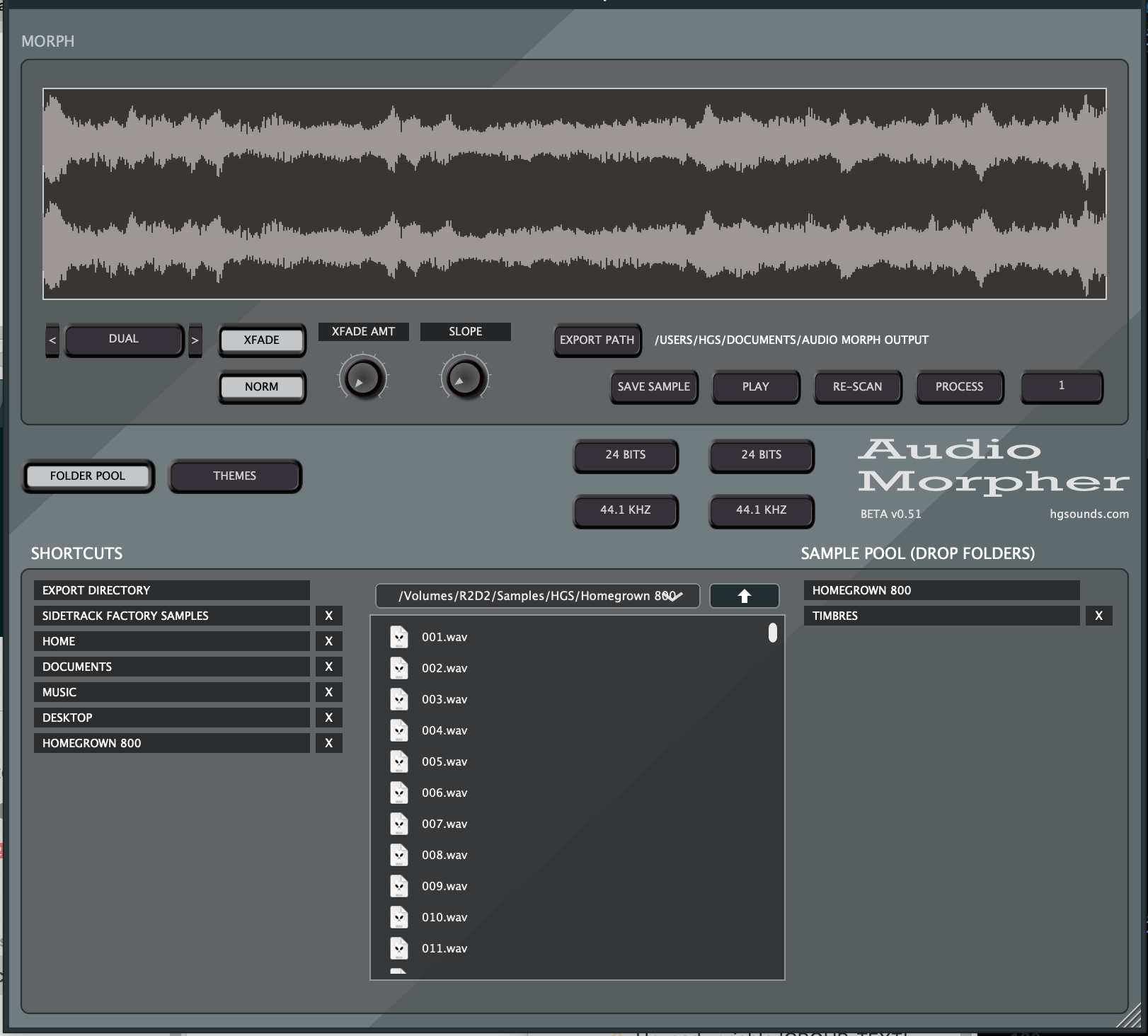
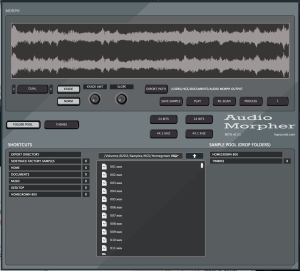 An Application for generating WAVs from existing folders of WAVs you drop in its pool. It is currently part of the SideTrack Group Buy and was unlocked by stage 3.
v0.51
- Reworked the Sample Browser, it now has the shortcuts the same as in SideTrack which is an area to drop folders which you use often. There is now a second place on the right for the Sample Pool Folders which are used to create the WAVs.
- Added Keyboard Shortcuts;
- [ – Reduce Playback Speed by 1/2
- ] – Increase Playback Speed x 2
- N – Reset Playback Speed
- M – Restart Playback
- . – Go to 80% Position
- , – Go to 50% Position
- Fixed Reader Memory leak
- Implemented some Logging (log.txt)
- Fixed a possible crash when loading WAVs from the browser.
- Display now consistently updates when WAVs are loaded via the browser.
- Various fixes/improvements.
January 17, 2024, 3:14 am
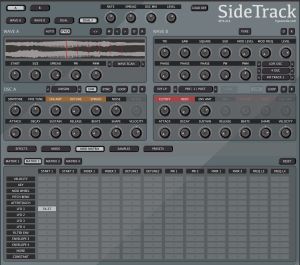 Starting with v0.6 Sidetrack is available as a public time limited Beta with the hope that it will encourage people to support development via the group buy. I’ll release the next couple of Betas this way and see how it goes:
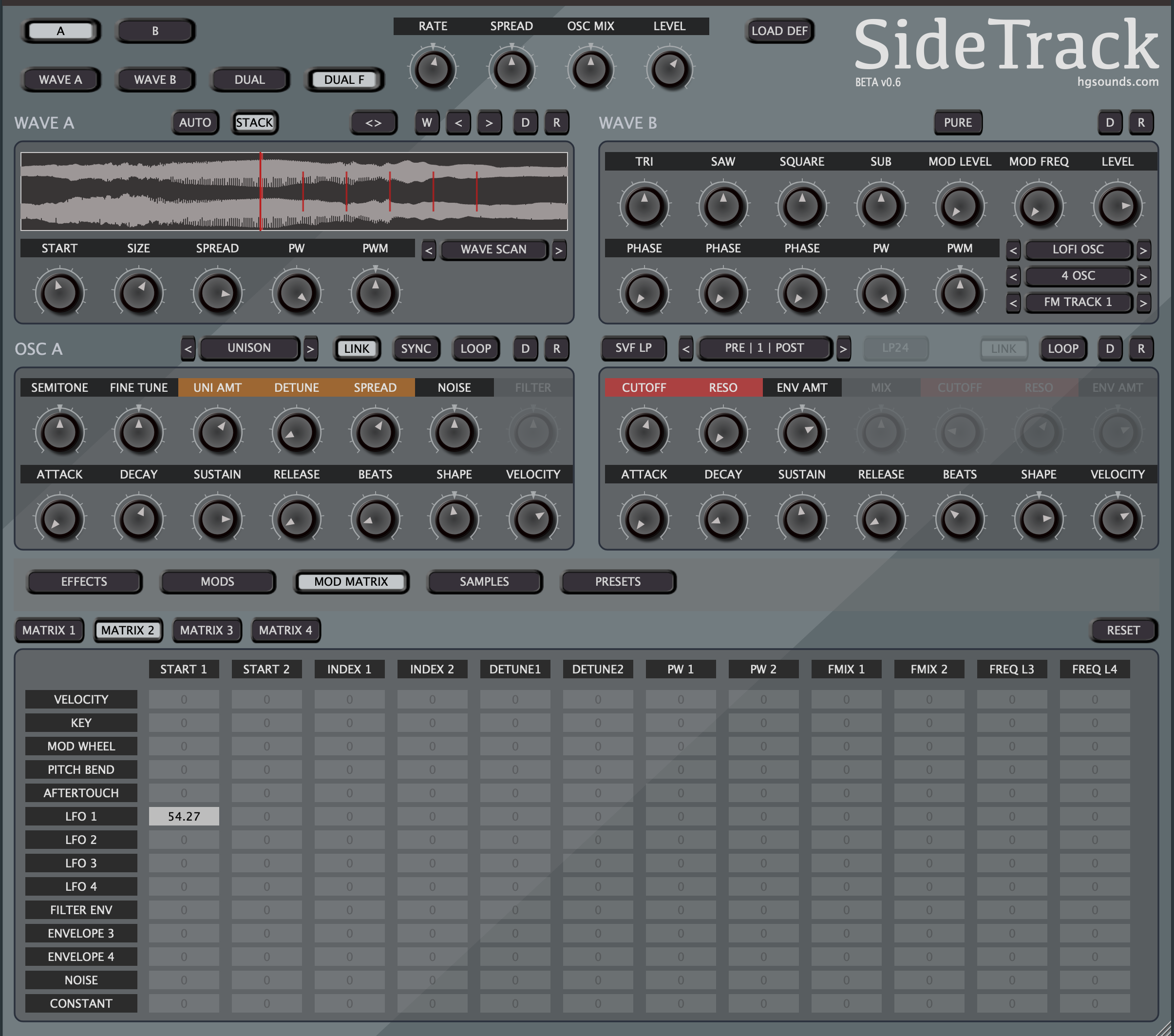
- New Wave Mode: WaveScan – This picks out a single cycle Waveform from a large WAV with Size, Pulse Width & & Pulse Width Modulation. It also has Stack Mode which uses different loops for each Unison Voice.
- New Wave Mode: Lofi Oscillator – This mode uses a Triangle, Saw, Square & Sine Sub Oscillator which are mixed to produce the sound. They are not band limited and so nice & dirty in the high registers. All but the Sub have start phase controls and the Square Wave supports Pulse Width/ Modulation. Additionally the Volumes are destinations in the Modulation Matrix. There are various modes for different combinations, so for example it’s possible to just have a SAW oscillator.
- Lofi Oscillator Mod Modes – a Menu allows choosing a Modulation mode for the oscillators, there are various FM, RM & Sync Modes.
- Decimater – New Effect on the Synth Voice for degrading the sound, it has a Frequency & a Mix Amount like the Bit Reduction, both are also Modulation Matrix Destinations.
- New Post/Pre Voice FX Order – Modes have been added to use Bit Reduction, Saturation & Decimation in any order and positioned pre/post filter. Previously the Filter Routing did a bit of this, but now it has been simplified and the FX order has its own setting in the global section.
- Modulation Matrix – a fourth panel has been added for the newer Oscillator Volumes. NOTE Some slots are still unused, but they will eventually have targets.
- Modulation Matrix – Constant has been added as a source which provides a convenient fixed offset amount.
- Modulation Matrix – Further optimisation, uses significantly less CPU.
- Voice Stealing System – implemented a way of voice stealing that should
eliminate clicks.
- Envelopes – Release is now decoupled from the Beats time and has a fixed maximum time.
- Added Help Enable to the main background menu so that the menu help text that appears at the top can be disabled.
- Filter Panel now disables unused controls in the different Filter Modes.
- Detune is disabled when the non related Unison modes are selected.
- Added Labels to the Combi Popup Menus to categorise the options.
- Numerous Optimisations.
- Changed the method used for play markers, to save a bit of CPU. 32
- Mod Matrix Labels now reset on double click instead of a single click.
- Polyphony Setting has been moved to a Combi Box rather than a knob.
- Modulation Matrix knobs now use a single theme setting.
- Improved GUI drawing efficiency.
- Fix: LFOs didn’t affect Start Position correctly.
- Fix: Colour Panel Text was too small.
- Fix: Button/Combi Text moved up a bit.
- Fix: Theme Colours added for Popup Menus; Background, Text and Header. Factory Themes updated.
- Fix: Removed unused Colour IDs from popup Menus.
- Fix: Loop is now always used for Cycle & WaveScan modes.
- Fix: Pulse Width Improved when using Unison.
- Fix: Load WAV cycle now respects the Auto setting.
- Fix: BPM Labels renamed to BEATS.
- Fix: LFOs now re-trigger reliably in Global Mode.
- Fix: Right Click Quick Values on Knobs now sends to listeners correctly.
- Fix: Wave Display Play Markers no longer animate when the Oscillator is disabled.
- Fix: The Synth now responds correctly to a change in Samplerate.
- Fix – LFO reset mode now initialised correctly.
January 3, 2024, 11:36 am
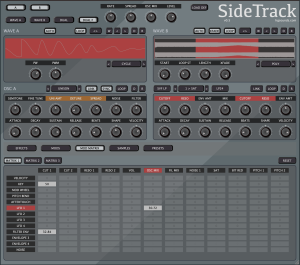 SideTrack is a dual Sampler Synthesizer with some unique sample playback modes, a huge Modulation Matrix and Dual filters. It supports Standalone, VST3 & AU with Windows/Apple Intel/Silicon support. Products are developed throughout the group buy and become available as more people sign up and they are ready.
December 19, 2023, 8:52 pm
v1.05
- MPC import – Added Error Checking for non existent Wavs and zero Pad count.
- Added checking if Pad Volume Tag is missing.
- Other small improvements to MPC import.
December 1, 2023, 11:38 pm
V1.04
- Manual Link not works correctly.
- Old unused properties are now deleted in the backend.
- Output Path now defaults to /Documents/Kit Creator output on first load.
- Fixed a crash which could result in the scan failing when Processing.
October 27, 2023, 4:44 pm
v1.03
- Now checks for deprecated MPC tag ‘OneShot’ as well as the modern ‘TriggerMode’
- Added new option to the convert page which allows overriding the One-shot mode.
October 24, 2023, 7:41 pm
V1.02
- Now Kit Creator removes unused pad data in all export formats where no sample
is assigned.
- Fixed a bug where the MPC One-Shot setting was ignored when converting from the format.
- Fixed a rare bug with MPC import, missing TriggerMode tag would cause a crash.
August 10, 2023, 11:42 am
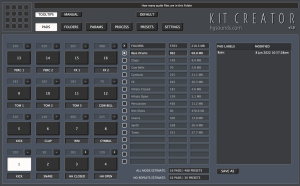 Kit Creator is now officially out of beta!
- Quick Start Guide to creating presets added to the manual.
- When on the conversion screen it is now necessary to select the type of preset you are going to convert. Previously this was done automatically based on what was found, although in the case of different formats being found, it would always select the first found. Now recursion is added, it has made it more essential that this be pre-selected by the user.
- Ableton Live Import Function has been rewritten for the ground up.
- Optional Additional sample search path has been added for Ableton Live imports. Search will look in the current directory/sub directories first, then in the Ableton User Sample library, and if the sample is not found it will then look in the provided additional directory & its sub directories.
- Option to convert Multi-Sample based .adg files (Simpler). Usually this would not be very useful because they tend to be chromatically mapped sample instruments, but some old presets do use this method to map drum samples & so they can now be converted.
- Recursive search option available when selecting a folder of presets to convert, this means it will search sub folders although all outputs will be saved to the same selected output directory. This option is enabled by default & is very useful when converting something like the samples from Mars sets which have the samples in a top level folder. By choosing the parent folder, all presets will be found as well as the samples.
- Various Tweaks.
February 12, 2023, 5:58 pm
 v0.998
- Choke/Mute groups are now supported for Speedrum, MPC, Ableton Drum Rack, Impact XT & TAL-Drum. 8 drum groups are supported which is the maximum Speedrum allows. TAL-Drum works differently as it has pre assigned voice groups, the groups are converted to this format but there is currently no conversion from TAL-Drum to choke group, whereas all other formats that use the standard method can be imported (with a maximum of 8 groups).
- MPC Previews are now generated, it is a simple chain of the samples in Ogg Vorbis format.
- Kit Creator now uses a User Words list which is stored in the ‘User’ Folder. If it doesn’t exist the default wordlist will be copied there. This means you can edit it without fear it will be replaced by program updates.
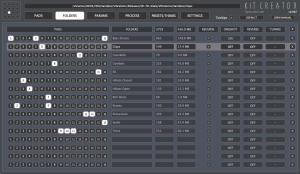
- Folder Panel now only shows the Folder name instead of the full path, the full path is still shown at the top when hovering and can be copied or opened from the right click menu.
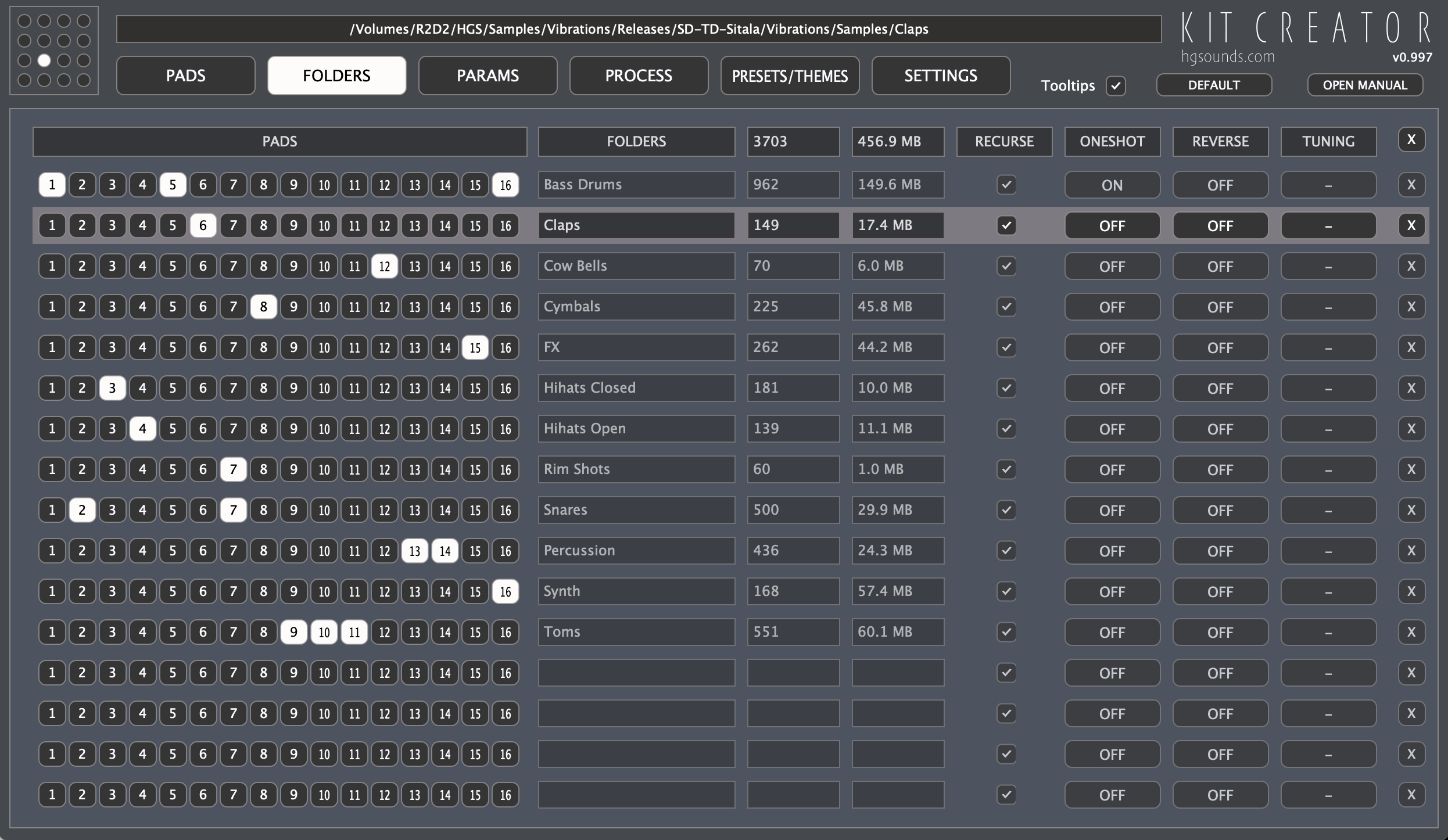
- Added per folder option for whether it should scan recursively (scan sub folders).
- Added per Folder option for reversing the Samples in Formats that support it. Probability can also be used to decide based on chosen percentage.
- Added per Folder option for semitone tune offset for exports that support it. This can either be a fixed value per folder or one of a set of random modes for setting random semitone offsets.
- Added per Folder option for whether One Shot Mode should be used, this plays the entire sample & therefore Release will no longer do anything.
- Preset Estimates now reflect the number of Pads used & adjust accordingly.
- Wordlist is now alphabetically sorted & a few words have been removed.
- Fixed: a multiplier was making the volume quieter than it should have been when generating presets.
- Fixed Clear Pads didn’t always work & on rare occasions all Pads & folders would be removed.
- Fixed occasional crash if a pad doesn’t have folders assigned.
- Fixed issue with non existent Layers when converting from Speedrum.
February 5, 2023, 2:47 pm
 0.997
0.997
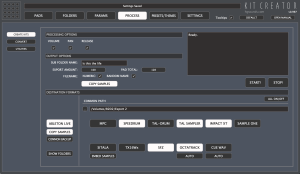
- Kits of up to 128 samples can now be created, they use the 16 Pad template for each set of 16 as a basis for samples, pan, volume & release, basically treated as multiple presets in one. With formats that support less Pads than the selected amount, multiple Kits will be saved with A, B, C, D etc appended to the name.
- Preset Conversion now supports up to 128 single layer pads, with formats which have a smaller maximum Pad count multiple files will be created with A, B, C, D etc appended to the filename.
- Edit has also been updated but not fully tested yet. Please report any issues.
- KNOWN ISSUE – With Ableton, it’s a tricky format to work with due to only using having data for pads which have a sample assigned. At the moment conversion may not work correctly if there any gaps in the pads, ie; Kit Creator currently expects a sample assigned to consecutive pads. A conversion ‘from’ may also map samples to different pads if the 1st pad isn’t set to C1. Improving this is on the todo list.
- Ableton Live code has been rewritten so that it now only needs a single Assigned pad in a template to use as a reference. If multiple layers are not found then this will be used as a basis. This format is tricky to deal with as it only creates instrument layers when they are assigned a sample. This new method allows using anything between a complex template preset or one with a simple single Pad layer.
- Speedrum Code has been switched into dealing with xml rather than ValueTree which brings it inline with all other formats.
- Changed Ableton Backup folders to more instructional ‘Copy to’ folder names.
- Fixed Divide by Zero error on.
- Numerous changes & improvements that wouldn’t mean anything to anyone.
- Fixed double percentage sign on TX16Wx exports.
February 3, 2023, 1:25 am
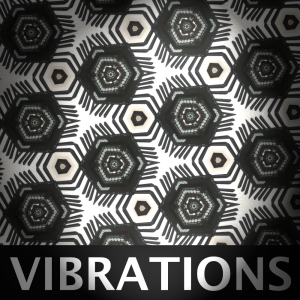 In line with the latest updates to Kit Creator, Vibrations has now seen an update that benefits from the new Export types. Vibrations now has 1000 kits for each of the following:
- Kontakt
- Ableton Live Drum Rack
- MPC
- Speedrum
- Sitala
- TAL-Drum
- TAL Sampler
- Octatrack
- Presonus Impact XT
- Presonus SampleOne
- TX16Wx
- SFZ
The majority of these presets are in a self contained portable ‘Multi-Format’ folder along with the samples.
February 2, 2023, 10:52 pm
 0.996:
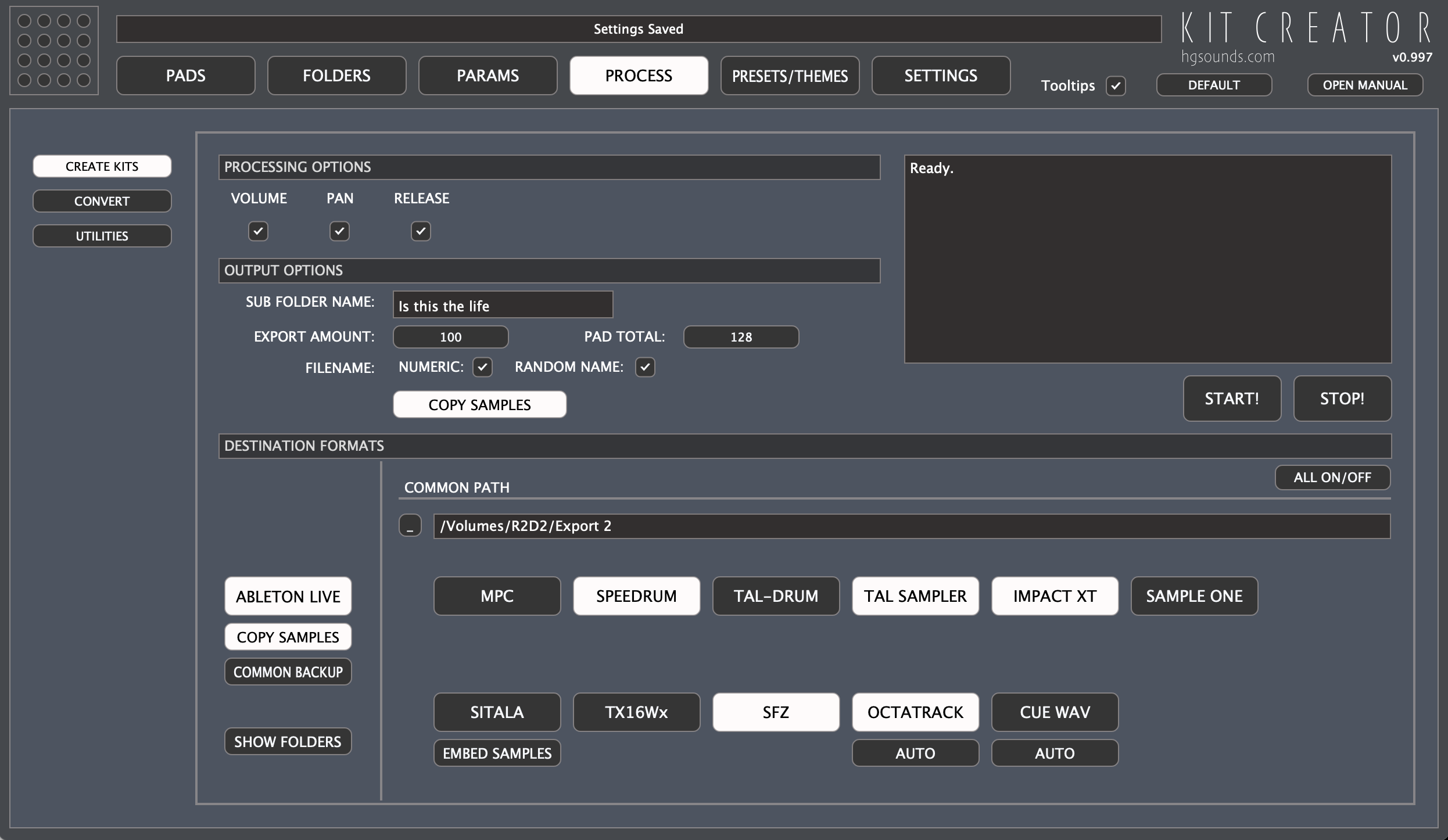
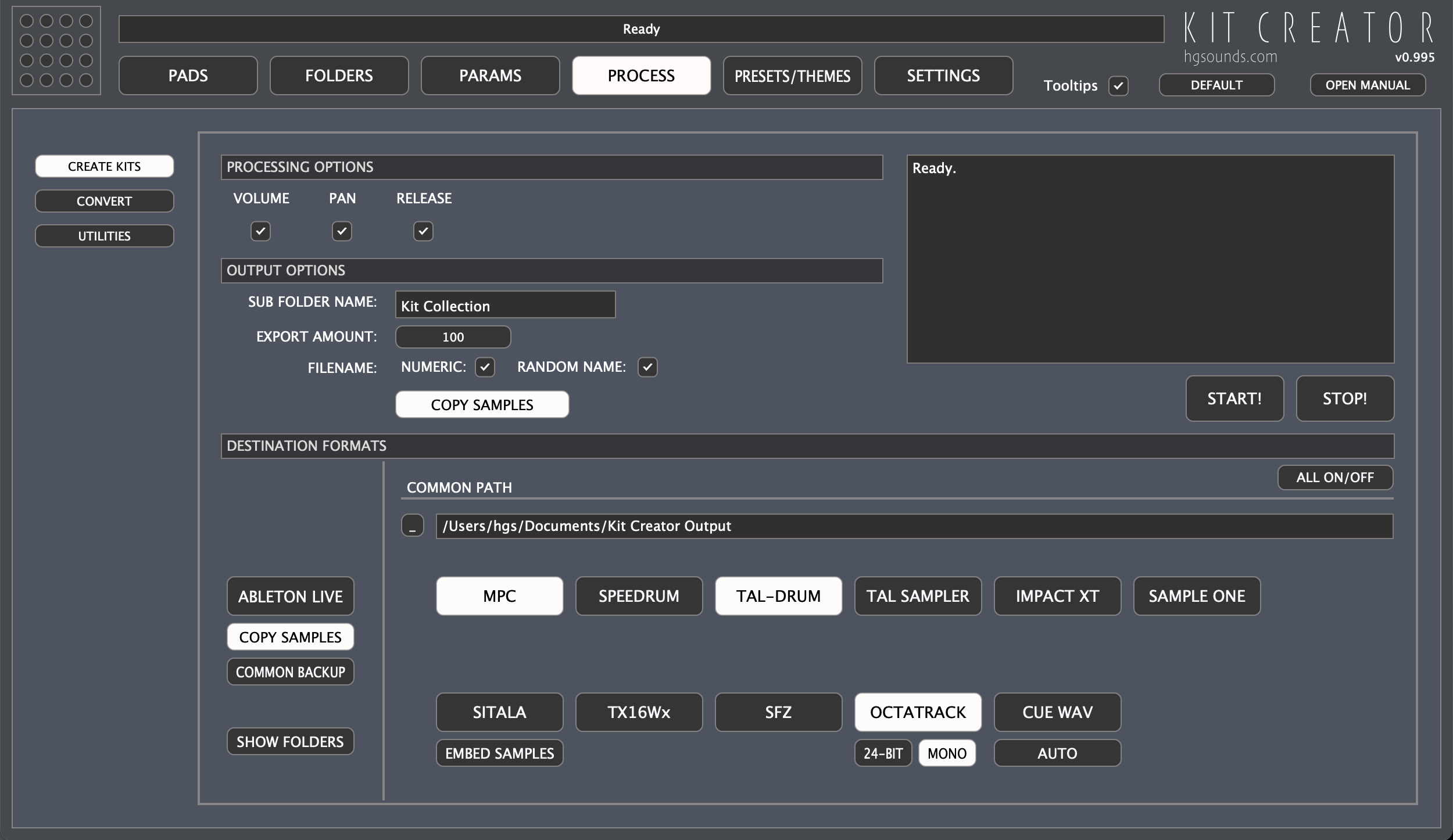
- Octatrack now has a menu to select the bit depth & mono/stereo WAV export options which includes ‘AUTO’ for grabbing the settings from the first Kit WAV. If the bit depth is less than 16, 16 will be used or if higher than 24, 24 will be used to maintain compatibility with the OT.
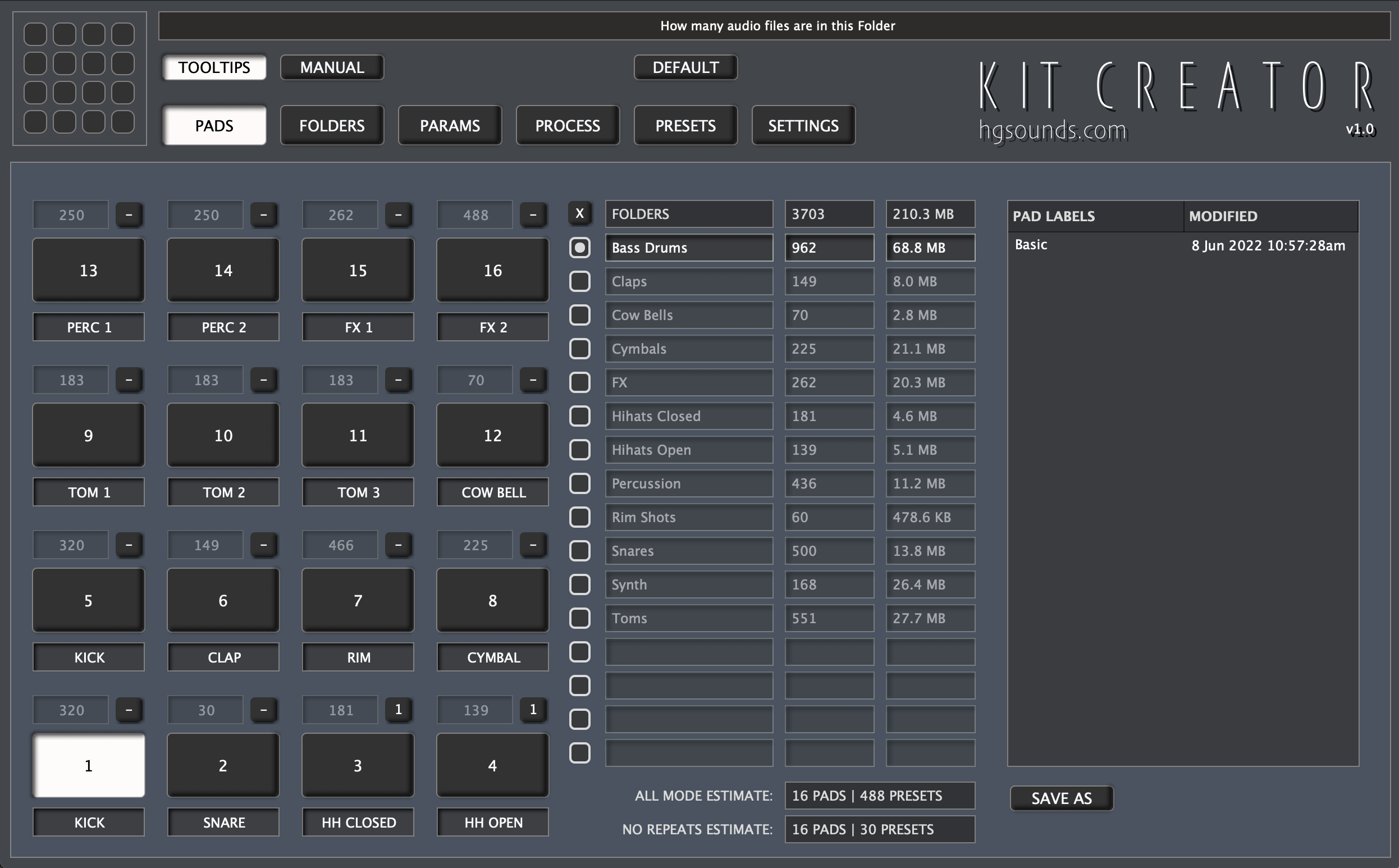
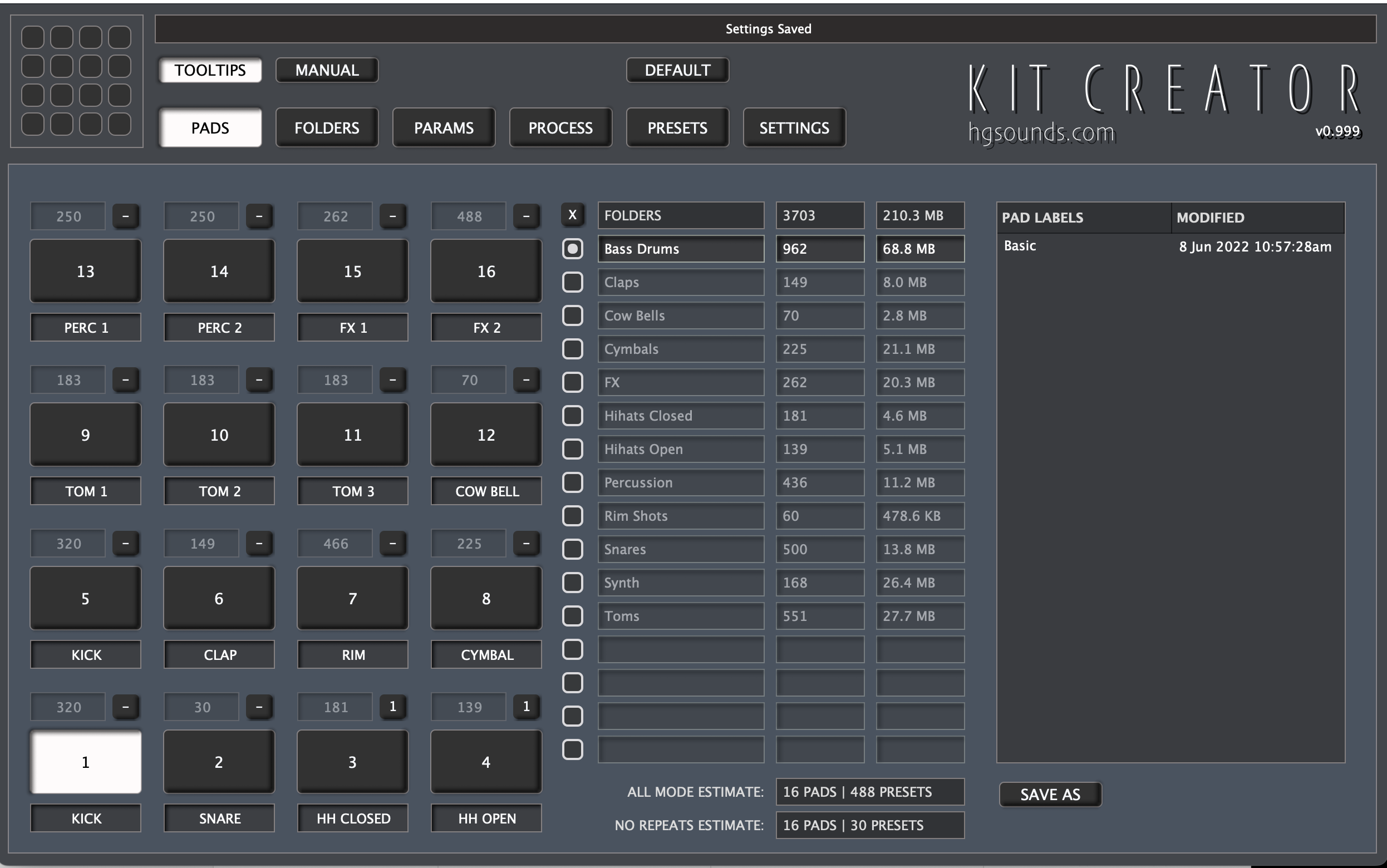
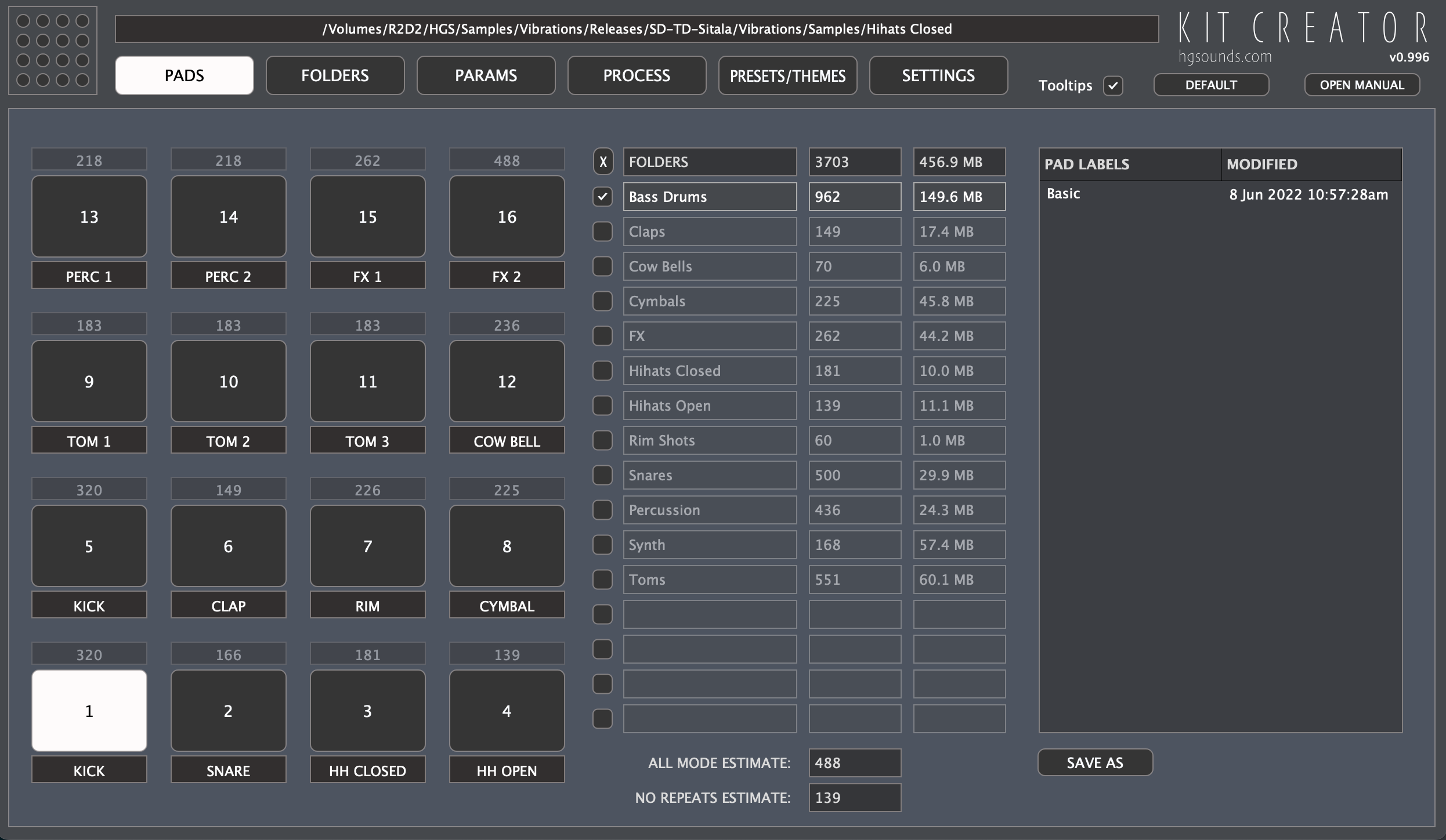
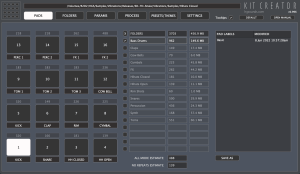
- Added estimated Counts to the Pads (on the Pads Panel) showing unique WAV amounts with the aim of helping to balance WAV usage.
- Overhauled the Sitala Factors Release code, the Release parameter is actually a Macro for 3 settings. For the purposes of Kit Creator it needs to behave like a release & so has been rescaled appropriately.
- Added more choices to the increase/decrease volume functions.
- Added ‘NO REPEAT’ Mode which stops creating as soon as one of the folders have been used completely.
- Improved the Speedrum Code.
- Tweaked the TAL-Drum Factors.
- Global Volume Percentage added to Factors.
- Factors added for SFZ, TX16Wx, Tal-Sampler & SampleOne.
- Factor text edit fields now respond to the return Key & give away focus.
- Sample Layers are now manually created for SpeedDrum
- Added ‘Assign All Sequentially’ which assigns each folder slot to the corresponding numbered pad. There is also a reversed version & a randomized version.
- Export now aborted if no folders are assigned to pads.
- Fixed: All Mode now creates the correct number of presets when not all 16 folder slots are used or a folder is unassigned.
- Fixed: STOP now works in Utilities Mode.
- Fixed: Parameter Enable settings are now ignored in convert & edit mode.
- Fixed: SFZ now using relative paths correctly
- Fixed: first Octatrack export wasn’t written if the folder didn’t exist.
- Fixed: Edit will now only operate on the first found type in a mixed preset folder.
- Fixed: Pads Panel now updates folder assignments on entering.
- Fixed: Right Click clear all assignments only worked the first time in the Apps lifetime.
- Fixed a crash converting to Octatrack when the export destination directory doesn’t exist.
January 27, 2023, 1:58 am
 v0.995
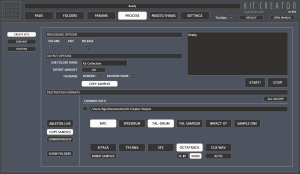
- Advanced Mode has been removed, the new mode is much simpler to understand & makes all of the Advanced options unnecessary. As a result of removing Advanced Mode the backend is now also more refined & much less prone to potential errors creeping in.
- The sub directory option is no longer an option & now standard behaviour.
- Export support for Presonus Sample One.
- Export support for TX16Wx has been added.
- Import/Export support for Elektron Octatrack Sample Chains has been added. Samples are always re-sampled to 44.1 khz which is the samplerate of the Octatrack, the samples will be exported in 16-bit however 24-bit is an option. By default the export will be stereo but Mono is available. Sample Chains are a WAV and a corresponding ‘ot’ file which contains the split information. Sample chains can also be imported to convert to any other format.
- Export for CUE Marker based WAVs has been added.
- TAL-Sampler is now a distinct Export type & no longer requires exporting TAL-Drum at the same time.
- All formats that can use relative paths to samples are now stored in a sub folder Called ‘Multi-Format’ which also contains a ‘Samples’ sub folder which they link to. This entire folder is therefore portable.
- Fixed: converting from TAL-Drum didn’t get the correct sample length.
- Fixed: Utilities Pan menu out of sync with the options.
- Fixed: Speedrum exports now set to ‘Note On’ mode & enables the volume envelope.
- Lots of other improvements.
 v0.9
v0.9